
NovaStar VX400 Pro: 4K Inputs, Multi-Layer Processing and Setup
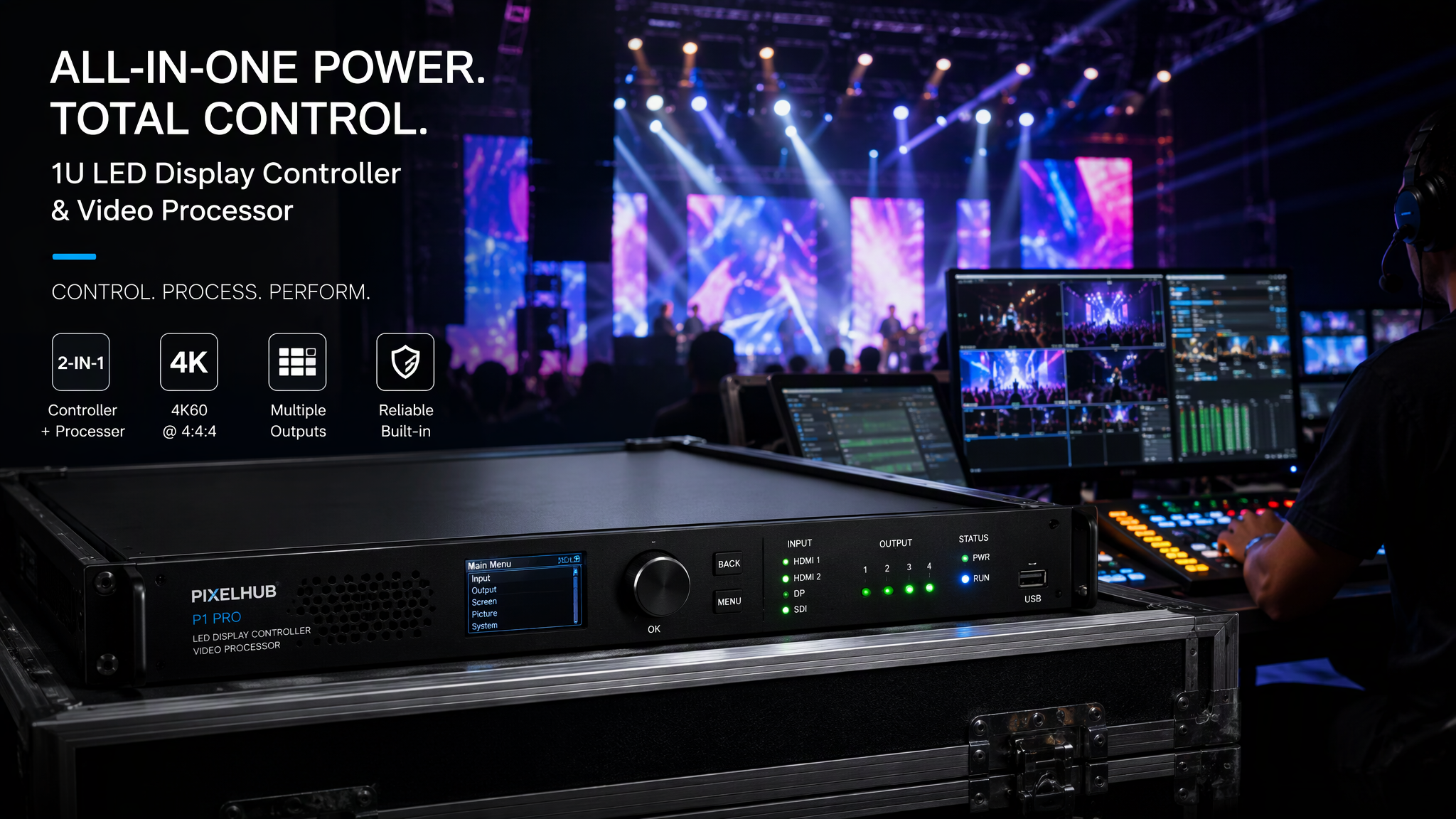
The NovaStar VX400 Pro is a high-performance 1U all-in-one 2-in-1 LED display controller and video processor engineered by Xi'an NovaStar Tech Co., Ltd. within the acclaimed VX Pro Series. Integrating advanced video switching, seamless layer scaling, broadcast-grade color processing, and direct LED sending card transmission into a single road-ready chassis, the VX400 Pro simplifies AV staging across stage rentals, corporate events, hotel ballrooms, and fixed commercial video walls.
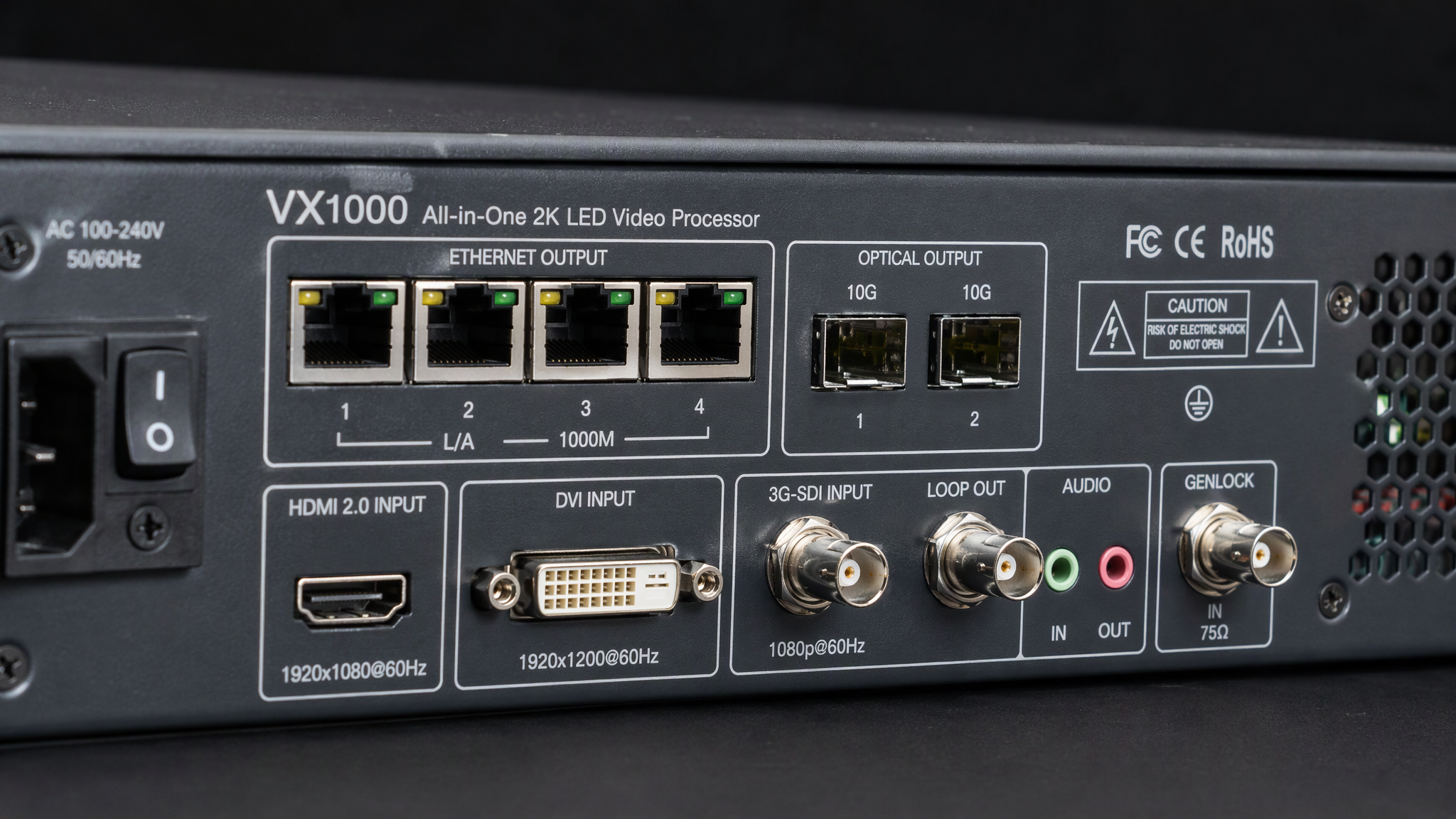
Boasting a maximum loading capacity of 2.6 million pixels (supporting standard resolutions such as 1920x1200 at 60 Hz and custom canvases up to 3840 pixels wide or 3840 pixels high), the VX400 Pro is equipped with four Gigabit Ethernet output ports, dual 10G optical fiber ports, versatile multi-format inputs (HDMI 2.0, DVI, and 3G-SDI with hardware loop), independent multi-layer Picture-in-Picture processing, and front-panel rotary knob quick configuration.
This comprehensive technical guide details verified hardware specifications, front and rear panel connectivity, 2026 pricing benchmarks, step-by-step setup and NovaLCT configuration manuals, front-panel knob workflows, and practical engineering advice.
`
NovaStar VX400 Pro All-in-One Architecture
[1] 2.6 Million Pixel Loading: Drives 1920x1200 at 60Hz or 3840px Custom Canvases
[2] Quad Gigabit RJ45 Outputs: 4x 650,000 Pixels with Primary and Backup Pairing
[3] Dual 10G Optical Ports: Long-Distance Fiber Transmission to Stage Breakout Hubs
[4] Versatile Multi-Format Ingest: HDMI 2.0, DVI, 3G-SDI with Loop, and Audio Ingest
[5] Multi-Layer Video Processing: Seamless Scaling, Picture-in-Picture, and Presets
[6] Front-Panel Knob Setup: Standalone Screen Configuration without a Laptop
`
---
1. Verified Technical Specifications: NovaStar VX400 Pro
Parameter Category | Technical Specification | Operational and Engineering Value |
Product Model | NovaStar VX400 Pro | 1U all-in-one 2-in-1 LED video processor and sending controller |
Max Loading Capacity | 2.6 Million Pixels (2,600,000 pixels) | Handles standard 1080p video walls, panoramic banners, and stage backdrops |
Max Canvas Dimensions | Max Width: 3840 pixels; Max Height: 3840 pixels | Supports custom non-standard aspect ratios and ultra-wide ribbon screens |
Ethernet Output Ports | 4x Gigabit RJ45 Ports (Neutrik style) | High-density output carrying 650,000 pixels per port; supports backup loops |
Optical Fiber Outputs | 2x 10G Optical SFP Ports (OPT 1 and OPT 2) | Optical replication of Ethernet ports 1 through 4 for long-range stage runs |
Video Input Interfaces | • 1x HDMI 2.0 or 1.4 (Up to 4K at 60Hz)<br>• 1x DVI Input (1920x1200 at 60Hz)<br>• 1x 3G-SDI Input (1080p at 60Hz)<br>• 1x Optical (OPT 1) Input Mode | Complete multi-source connectivity for cameras, media servers, and laptops |
Video Loop Outputs | 1x 3G-SDI Loop Out plus 1x HDMI or DVI Preview | Zero-latency hardware loop pass-through to local production monitors |
Audio Interfaces | • 1x 3.5mm Audio Input<br>• 1x 3.5mm Audio Output | Audio de-embedding and HDMI audio accompaniment for sound reinforcement |
Layer Processing | Up to 3 independent video layers (Main plus PIP) | Flexible Picture-in-Picture windowing, custom scaling, and border effects |
Front-Panel Control | OLED status screen with navigation rotary knob | Quick screen configuration and source switching without a computer |
Control Interfaces | • 1x USB Type-B (PC NovaLCT Control)<br>• 1x USB Type-A (Cascading Output)<br>• 1x Gigabit LAN (Network Control) | Flexible PC software management, cascading, and central AV automation |
Broadcast Genlock | BNC Genlock input and loop connectors | Frame-accurate synchronization across multiple controllers to prevent tearing |
Power Supply | AC 100V to 240V, 50 or 60 Hz; 30W max power draw | Universal energy-efficient power supply with quiet internal thermal design |
2026 Price Benchmark | 650 USD to 950 USD per unit | Outstanding cost-to-performance ratio for rental and staging companies |
---
2. NovaStar VX400 Pro vs. VX4S-N and VX600 Comparison
Engineering Metric | NovaStar VX4S-N | NovaStar VX400 Pro | NovaStar VX600 |
Device Positioning | Classic Rental Processor | Next-Gen 2-in-1 Controller | Mid-Scale All-in-One |
Max Loading Capacity | 2.3 Million Pixels | 2.6 Million Pixels | 3.9 Million Pixels |
Ethernet Output Ports | 4x Gigabit RJ45 | 4x Gigabit RJ45 | 6x Gigabit RJ45 |
Optical Fiber Ports | None | 2x 10G SFP Optical Ports | 2x 10G SFP Optical Ports |
3G-SDI Broadcast Ingest | Supported (1x 3G-SDI) | Supported (3G-SDI plus Loop) | Supported (3G-SDI plus Loop) |
4K Input Capability | 1080p Ingest Only | Supports 4K Ingest (HDMI 2.0) | Supports 4K Ingest (HDMI 2.0) |
Multi-Layer Windows | 2 Layers (PIP) | Up to 3 Layers (Main plus PIP) | Up to 3 Layers (Main plus PIP) |
Primary Target Scene | Small Stage Rentals | Live Events & Corporate AV | Medium Concerts & Arenas |
---
3. Step-by-Step Installation and Commissioning Setup Manual
`
Commissioning Workflow
Hardware Cabling ───> Front-Panel Quick Setup ───> NovaLCT Screen Mapping ───> Layer & Preset Saving
`
1. Hardware Interconnection and Signal Cabling:
· Mount the VX400 Pro into an equipment rack or AV flight case using standard 1U brackets.
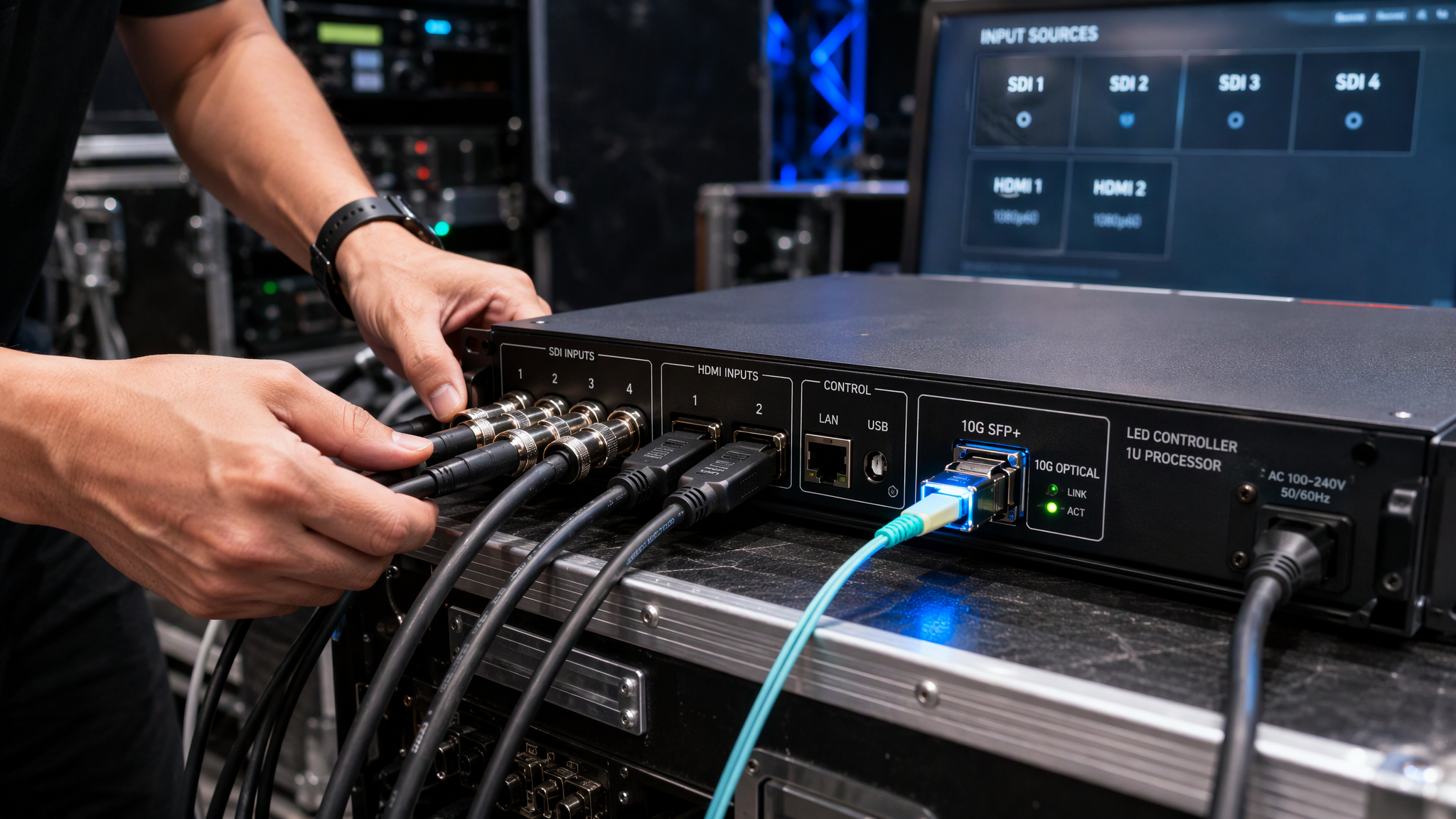
· Connect live video sources: plug your primary presentation computer into HDMI, your live camera feed into 3G-SDI, and your media server into DVI.
· Connect Cat5e or Cat6 shielded cables from Gigabit Ethernet Output Ports 1 through 4 to the corresponding cabinet runs.
· If driving a remote stage over fiber optic lines, insert 10G SFP optical modules into OPT 1 and connect a single-mode or multi-mode optical cable to a NovaStar CVT10 converter at the stage.
2. Fast Front-Panel Rotary Knob Screen Configuration (No PC Required):
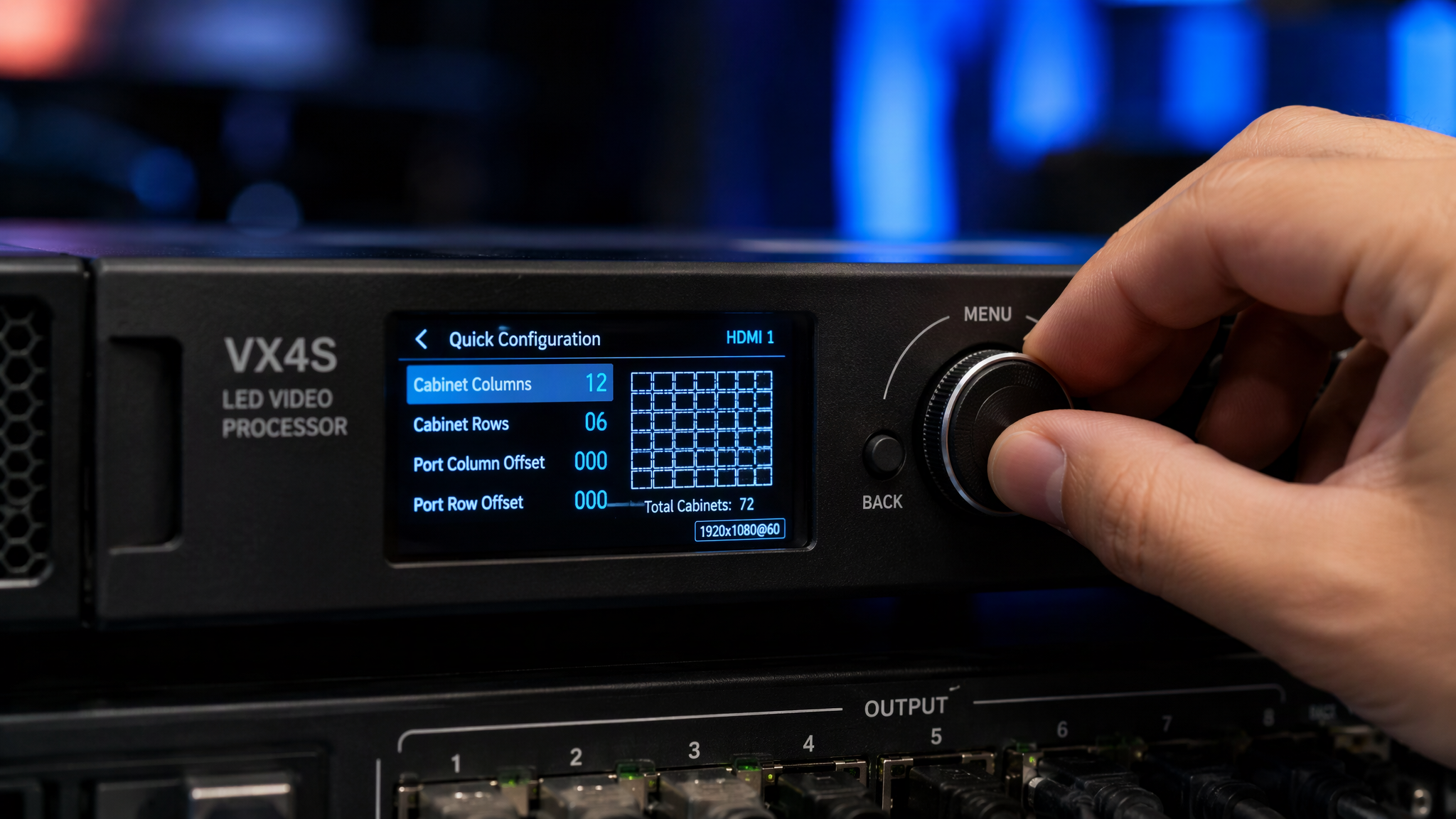
· Power on the unit. On the front-panel OLED display, press the rotary knob to enter the main menu.
· Select Screen Settings -> Quick Configuration.
· Set Cabinet Row Quantity and Cabinet Column Quantity to match your physical LED wall structure.
· Specify the exact Cabinet Width and Cabinet Height in pixels.
· Select the Port Offset and cable connection flow (such as top-left to bottom-right). Press the knob to send parameters; the LED screen lights up instantly.
3. Advanced Screen Mapping via NovaLCT (PC Method):
· Connect a USB Type-B cable from the rear USB port to your laptop running NovaLCT.
· Log in as Advanced Synchronous System User (default password admin).
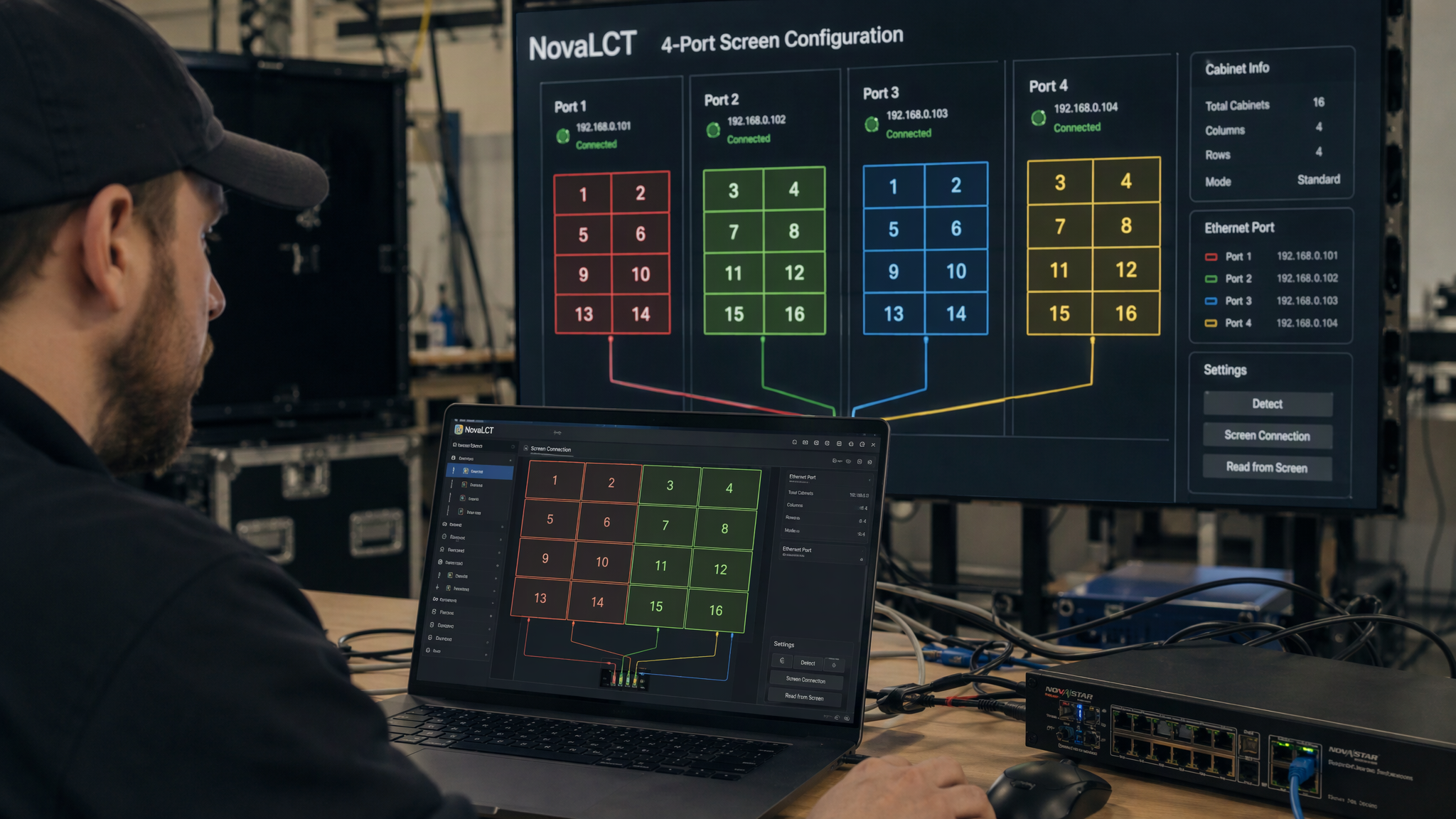
· In Screen Configuration -> Screen Connection, visually drag and assign Ethernet ports 1 through 4 across the cabinet grid.
· Click Send to Hardware to verify the live display, then click Save to solidify configuration into non-volatile memory.
4. Configuring Multi-Layer Picture-in-Picture (PIP):
· On the front panel or within NovaLCT, navigate to Layer Settings.
· Enable Layer 1 for your primary stage background feed (such as HDMI graphic loop).
· Enable Layer 2 (PIP), select the 3G-SDI camera input as the source, and position the camera window in the top-right corner with custom scaling and border thickness.
5. Preset Saving and Instant Live Switching:
· Save custom multi-source layouts as scene presets (such as Keynote Speech, Video Playback, Camera Live Feed, and Podium Dual View).
· Use the illuminated front-panel preset buttons for instant, seamless cut or fade transitions during live events.
---
4. Professional Review: Strengths and Engineering Considerations
Key Advantages:
· True 2-in-1 Architecture: Combines a professional video processor, video scaler, and 4-port LED sending card into a single lightweight 1U box, eliminating extra processing gear and reducing rental truck weight.
· Dual 10G Optical SFP Ports: Built-in OPT ports replicate Ethernet outputs directly, enabling noise-immune long-distance transmission up to several kilometers without buying separate optical transmitters.
· Computer-Free Quick Setup: The front-panel rotary knob and OLED screen allow rental technicians to re-configure cabinet layouts in under two minutes directly at the stage.
· Broadcast Genlock Synchronization: Frame-accurate Genlock locking ensures multi-controller spliced screens remain perfectly synchronized with zero frame tearing during high-motion camera pans.
Important Engineering Considerations:
· Port Pixel Budget Management: Each Gigabit Ethernet port handles up to 650,000 pixels at 60 Hz; distribute cabinet runs evenly across all four ports to maintain balanced frame rates.
· Fiber Transceiver Compatibility: When utilizing the OPT ports, ensure matched SFP transceiver modules (single-mode or multi-mode) are installed on both the VX400 Pro and the receiving CVT10 unit.
---
Frequently Asked Questions
What is the maximum loading capacity of the NovaStar VX400 Pro?
The NovaStar VX400 Pro controls up to 2.6 million pixels (2,600,000 pixels) across its four Gigabit Ethernet ports, driving resolutions up to 1920x1200 at 60Hz or custom canvas dimensions up to 3840 pixels wide or 3840 pixels high.
Can the VX400 Pro be configured without connecting a laptop?
Yes. Technicians can complete full cabinet resolution settings, grid mapping, and video source selection directly from the front-panel OLED screen and rotary knob in under two minutes.
What is the purpose of the dual 10G optical ports on the VX400 Pro?
The two 10G SFP optical ports (OPT 1 and OPT 2) replicate the signal of Ethernet ports 1 through 4, enabling long-range optical transmission to stage-side CVT10 fiber converters while protecting signals from electromagnetic interference.
How many video layers does the VX400 Pro support?
The VX400 Pro supports up to three independent video layers (such as one main background layer plus two Picture-in-Picture windows), with free scaling, border customization, and seamless preset switching.
---
Final Thoughts
The NovaStar VX400 Pro stands as a premier all-in-one controller for rental staging and commercial AV engineering. By pairing a robust 2.6-million-pixel loading engine, dual 10G optical fiber outputs, versatile 4K and 3G-SDI video ingest, multi-layer Picture-in-Picture scaling, and effortless front-panel knob operation in a compact 1U chassis, the VX400 Pro delivers exceptional live performance, unmatched field flexibility, and outstanding commercial value.


