
NovaStar A10s Pro: 512×512 Loading, Image Processing and Setup
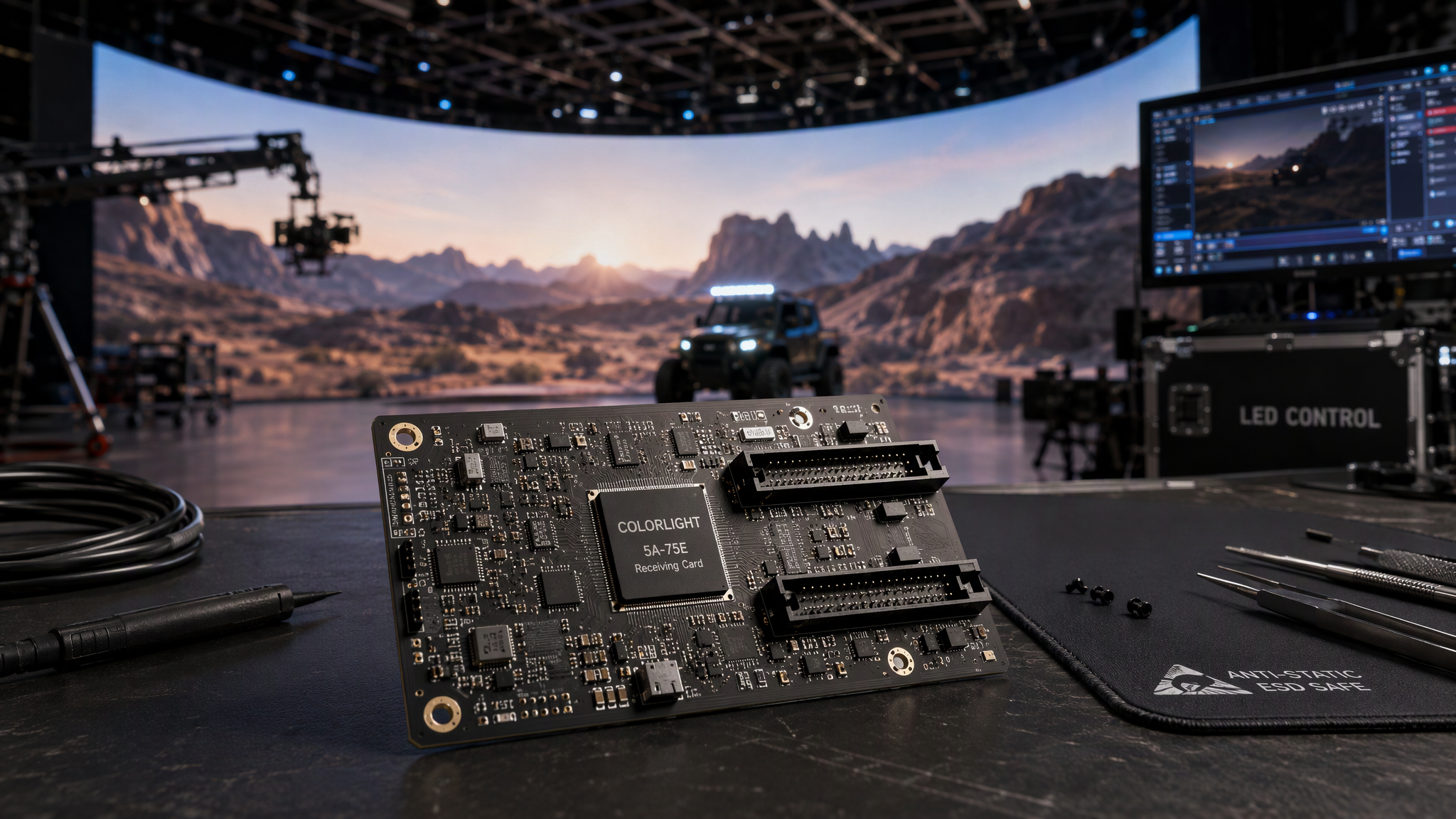
The NovaStar A10s Pro is a flagship small-form-factor LED display receiving card engineered by Xi'an NovaStar Tech Co., Ltd. within the high-performance Armor Series. Engineered specifically for high-end XR virtual production stages, broadcast television studios, executive briefing centers, fine-pitch indoor video walls, rental touring cabinets, and multi-angle creative displays, the A10s Pro delivers cutting-edge visual fidelity, ultra-low latency, and mission-critical hardware redundancy in a compact 80.0 mm x 45.0 mm circuit board footprint.
Boasting a certified loading capacity of 512 x 512 pixels at 60Hz for 8-bit and 10-bit video feeds and 512 x 384 pixels at 60Hz for 12-bit master inputs, the A10s Pro supports up to 32 groups of parallel RGB data or 64 groups of serial data (expandable to 128 groups). It incorporates NovaStar's most advanced image processing algorithms, including Image Booster 3.0 with 22bit plus grayscale extension, Dynamic Booster real-time frame contrast optimization, Adaptive Thermal Compensation, Full-Grayscale Calibration, Frame Rate Adaptive 3.0 (supporting 23 Hz to 240 Hz high frame rate capture), HDR10 and HLG standards, and 7-color multi-batch adjustment.
This comprehensive technical guide details verified hardware specifications, high-density pinout architecture, a comparative breakdown between the A10s Pro, A8s Pro, A5s Plus, and standard DH7508 cards, step-by-step installation and NovaLCT setup procedures, and 2026 commercial purchasing benchmarks.
`
NovaStar A10s Pro Hardware Architecture
[1] Flagship Loading Capacity: 512 x 512 Pixels at 60Hz (10-bit) and 512 x 384 Pixels at 60Hz (12-bit)
[2] High-Density Connectivity: 32 Groups Parallel RGB Data or 64 to 128 Groups Serial Data
[3] Image Booster 3.0 Suite: 22bit Plus Grayscale Extension and Pixel-Level Color Management
[4] Dynamic Booster & Thermal Logic: Frame-by-Frame Contrast Optimization and Thermal Compensation
[5] Frame Rate Adaptive 3.0: Seamless Frame Rate Switching Across 23 Hz to 240 Hz for XR & Broadcast
[6] Enterprise Reliability: Dual Card Hot Backup, Loop Backup, Dual Firmware and Calibration Copy
`
---

1. Verified Technical Specifications: NovaStar A10s Pro
Parameter Category | Technical Specification | Operational and Engineering Value |
Product Model | NovaStar A10s Pro (Armor Series) | High-end small form factor LED display receiving card |
Max Loading Capacity | 512 x 512 pixels at 60Hz (8-bit and 10-bit)<br>512 x 384 pixels at 60Hz (12-bit input) | Delivers exceptional pixel density for fine-pitch and mini-LED cabinets |
Parallel Data Output | 32 Groups of Parallel RGB Data | Drives high-scan and high-density LED module layouts with smooth refresh |
Serial Data Output | 64 Groups Serial Data (Expandable to 128 Groups) | Optimizes complex internal hub board routing for creative and curved panels |
Board Connectors | Dual High-Density Connectors (JH1 and JH2)<br>(Industrial high-reliability multi-pin interface) | Dustproof and shock-resistant board-to-board mating for rental and fixed LED panels |
Image Enhancement | Image Booster 3.0 (Color Management, Precise Grayscale, 22bit plus) | 64-fold grayscale refinement eliminating dark-area contouring and banding |
Contrast & Thermal | Dynamic Booster and Adaptive Thermal Compensation | Real-time frame contrast enhancement and dynamic thermal color-cast elimination |
High Dynamic Range | HDR10 (SMPTE ST 2084) and HLG (Hybrid Log-Gamma) | Reproduces cinema-grade dynamic range with deep blacks and vivid specular highlights |
Frame Rate Adaptation | Frame Rate Adaptive 3.0 (23 Hz to 240 Hz) | Perfect camera sync for virtual production, high-speed filming, and broadcast |
Color Calibration | Full-Grayscale Calibration and 7-Color Multi-Batch Adjustment | Generates unique calibration coefficients per grayscale step; harmonizes module batches |
Screen Rotation & Map | 90-Degree Rotation (90°, 180°, 270°) and Mapping 1.1 | Displays port IDs and receiver coordinates on screen for effortless commissioning |
Hardware Redundancy | Dual Card Hot Backup, Ethernet Loop Redundancy, Dual Firmware | Instant zero-frame failover safeguarding mission-critical live events and studios |
Input Voltage & Power | DC 3.8V to 5.5V (Rated Current: 0.8A; Rated Power: 4.0W) | Ultra-efficient power draw with broad low-voltage DC tolerance |
Dimensions & Weight | 80.0 mm x 45.0 mm x 8.2 mm (Net Weight: 22.8 g) | Compact mini footprint ideal for ultra-thin and lightweight rental cabinets |
Operating Environment | Temperature: -20°C to +70°C; Humidity: 10% to 90% RH | Industrial wide-temperature compliance with EMC Class B certification |
2026 Price Benchmark | 70 USD to 90 USD per card | Premium tier receiving card offering unmatched visual quality for XR and broadcast |
---
2. NovaStar A10s Pro vs. A8s Pro, A5s Plus and DH7508 Comparison
Engineering Metric | NovaStar A10s Pro | NovaStar A8s Pro | NovaStar A5s Plus | NovaStar DH7508 |
Chassis Category | Armor Series High-End | Armor Series High-End | Armor Series Standard | Commercial Standard |
Max 10-bit Capacity | 512 x 512 Pixels | 512 x 512 Pixels | 512 x 384 Pixels | 256 x 256 Pixels |
Max 12-bit Capacity | 512 x 384 Pixels | 512 x 256 Pixels | Not Supported | Not Supported |
RGB Parallel Groups | 32 Groups | 32 Groups | 32 Groups | 16x HUB75 Ports |
Serial Data Groups | 64 to 128 Groups | 64 Groups | 32 Groups | None (HUB75 Direct) |
Image Booster Engine | Image Booster 3.0 (22bit+) | Image Booster (18bit+) | 18bit Grayscale | Standard Grayscale |
Dynamic Booster | Yes (Real-Time Frame) | No | No | No |
Adaptive Thermal | Yes (Smart Thermal) | No | No | No |
Frame Rate Range | 23 Hz to 240 Hz | 23 Hz to 120 Hz | 50 Hz to 60 Hz | 50 Hz to 60 Hz |
HDR Standards | HDR10 and HLG | HDR10 and HLG | HDR10 Optional | Not Supported |
Board Interface | High-Density Connector | High-Density Connector | High-Density Connector | Direct HUB75 Headers |
Rated Power Draw | 4.0W (DC 3.8-5.5V) | 3.8W (DC 3.8-5.5V) | 3.0W (DC 3.3-5.5V) | 2.5W (DC 3.3-5.5V) |
2026 Price Range | 70 USD to 90 USD | 55 USD to 75 USD | 30 USD to 45 USD | 15 USD to 25 USD |
Best Application | XR Studio & 4K and 8K Broadcast | High-End Rental Staging | Commercial Meeting Rooms | Standard Billboard Signs |
---
3. Step-by-Step Installation, Wiring and NovaLCT Setup Manual
`
Commissioning Workflow
Hub Board Insertion ───> RJ45 Network Cabling ───> Power Bus Hookup ───> NovaLCT Screen Config ───> Calibration & Flash Burn
`
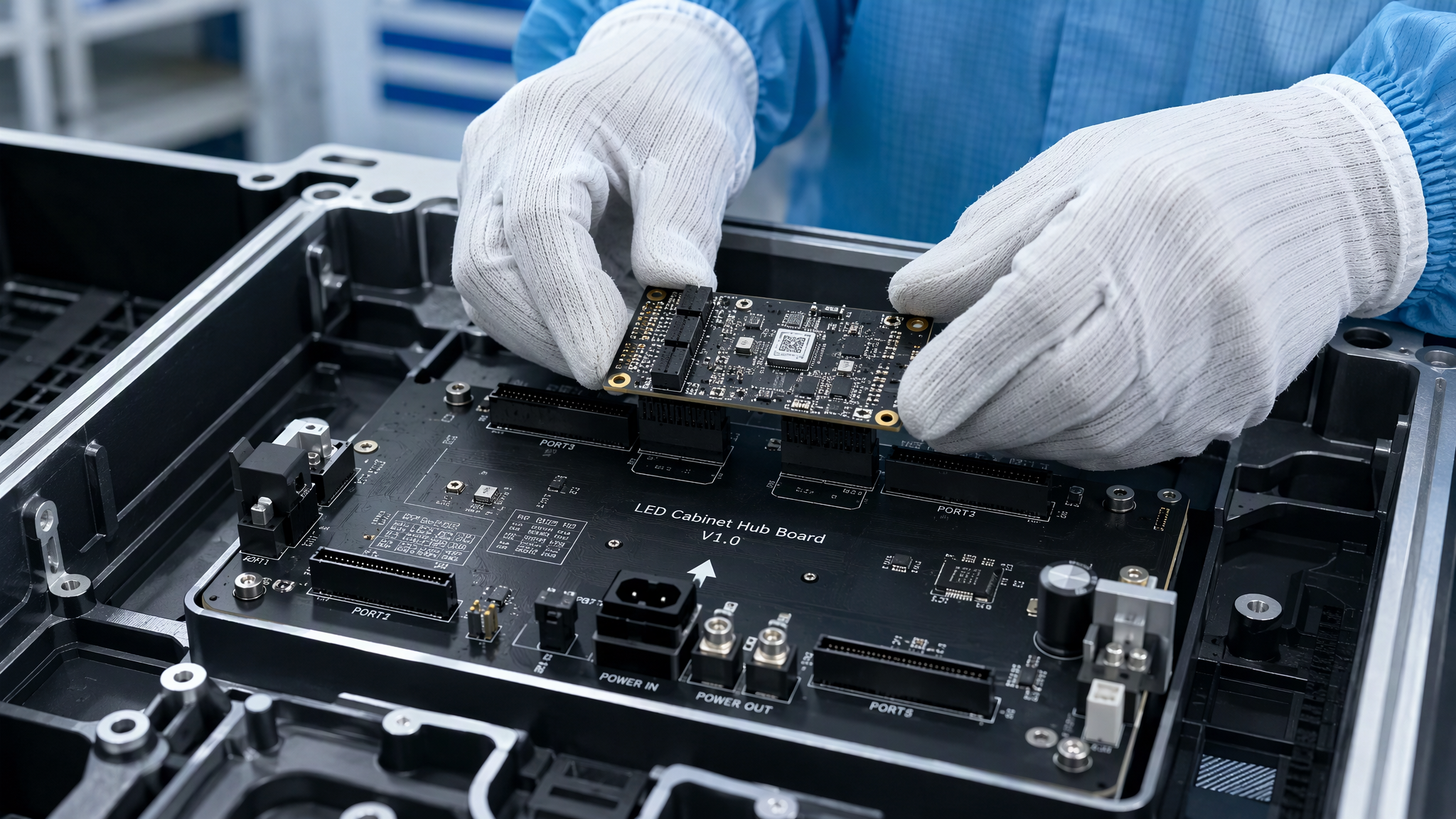
1. Physical Card Insertion into LED Cabinet Hub Board:
· Power off the LED display cabinet and verify no stray DC voltage is present on the hub board.
· Align the dual high-density multi-pin connectors (JH1 and JH2) on the bottom of the A10s Pro with the matching receptacle headers on the cabinet hub distribution board.
· Press down evenly across the card surface until the card seats firmly and completely into place.
· Secure the card using designated mounting screws or retention clips to prevent loosening under heavy transportation vibration.
2. Network Data Cabling and Dual Card Redundancy Wiring:
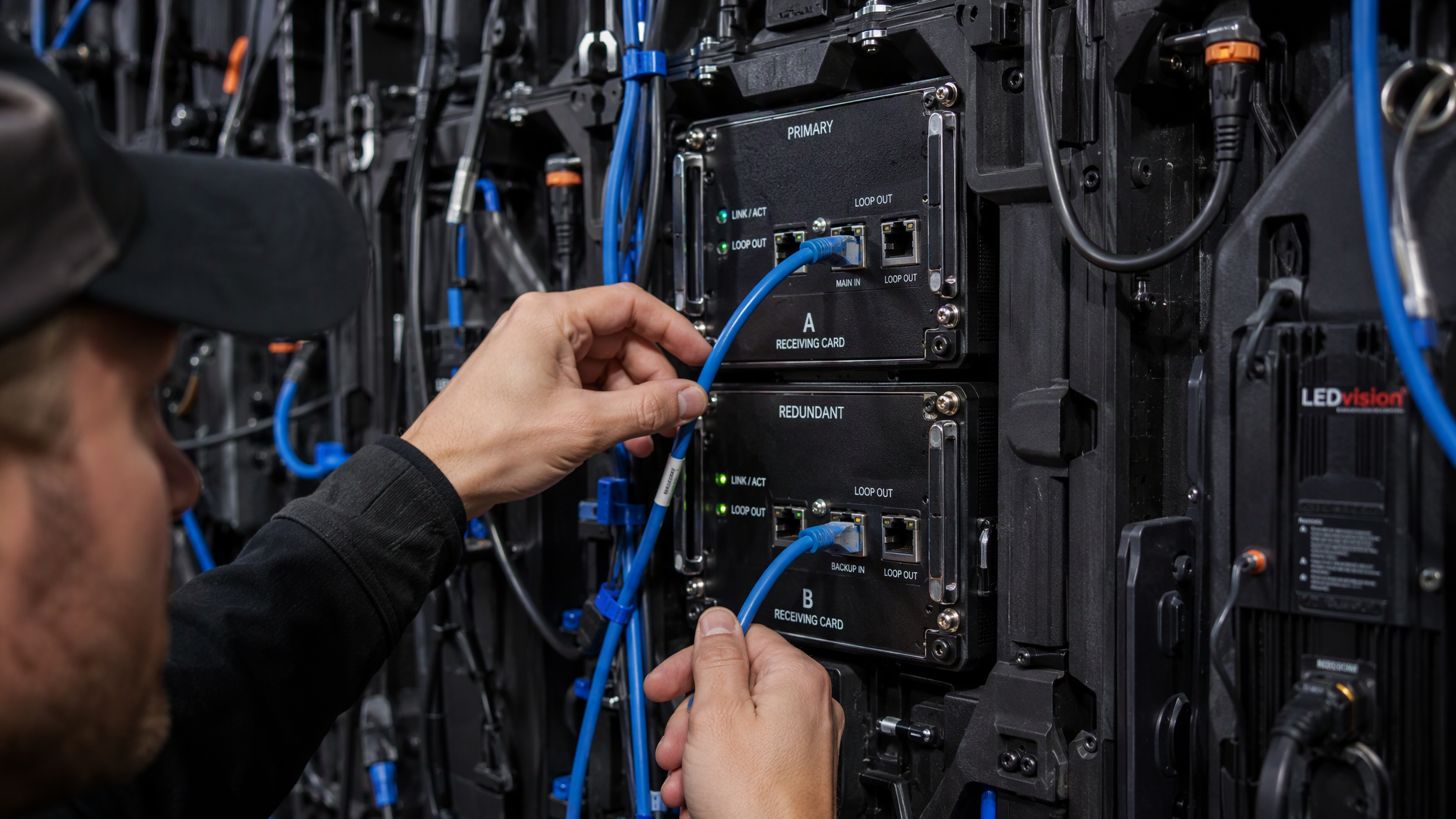
· Connect the incoming Gigabit Ethernet cable from the NovaStar master controller (e.g. MX40 Pro, TU40 Pro, or MCTRL4K) to the primary RJ45 input jack on the cabinet.
· Connect the loop-out RJ45 cable to the next adjacent cabinet in the serial chain.
· If dual-card hot backup is implemented, insert the secondary A10s Pro card into the backup slot on the hub board and route a separate backup Ethernet line from an auxiliary controller port.
3. DC Low-Voltage Power Supply Interconnect:
· Verify that the cabinet internal power supply delivers a clean, regulated DC voltage between 3.8V and 5.5V to the hub board power rail.
· Power on the display cabinet and check the A10s Pro onboard LED status indicators: the green RUN indicator should flash steadily, confirming normal internal CPU processing.
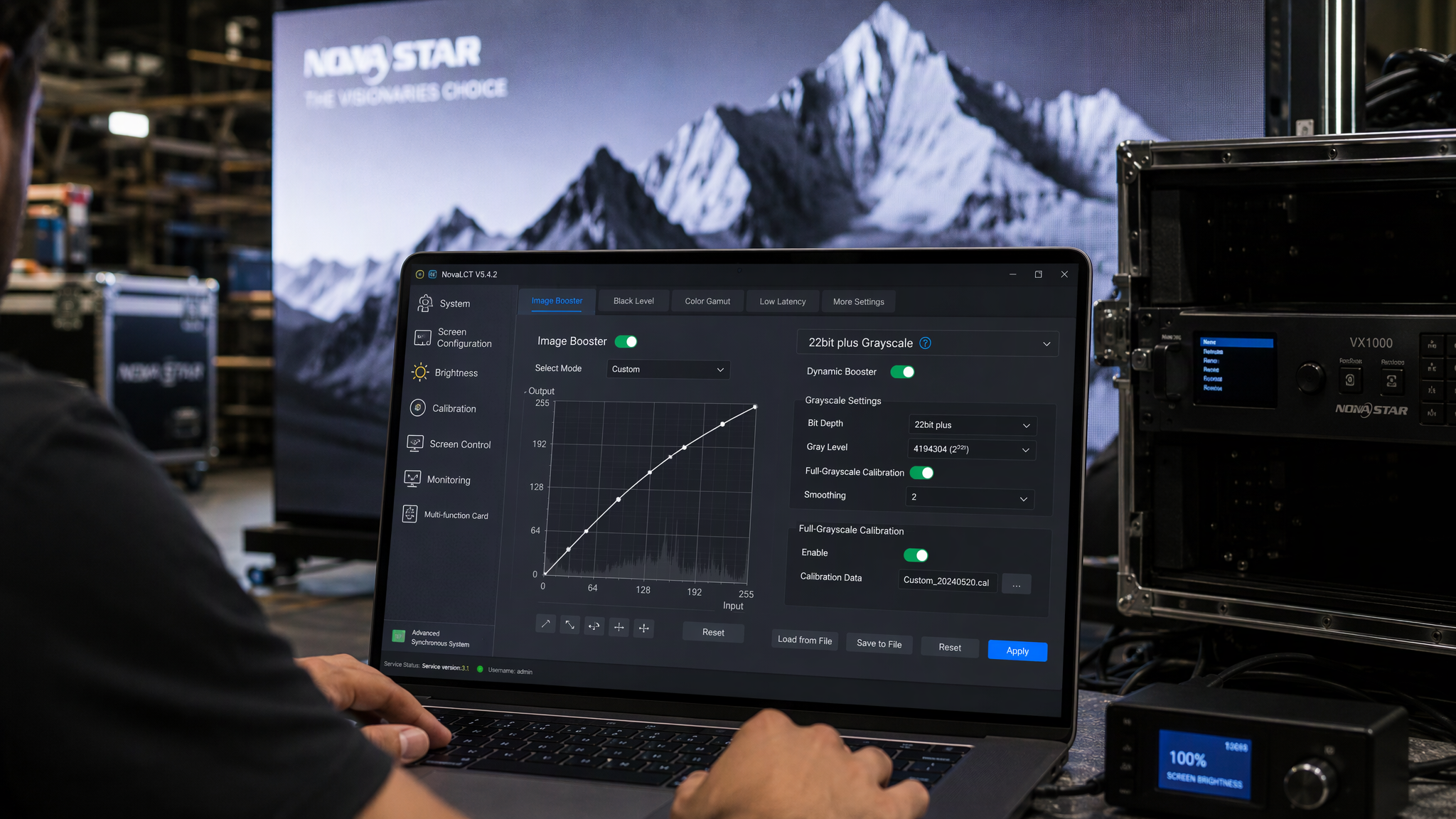
4. NovaLCT Advanced Synchronous System Login:
· Launch NovaLCT on your control computer connected to the master LED controller via USB or Gigabit Ethernet.
· Click User in the top navigation bar, select Advanced Synchronous System User Login, and enter the default password admin.
· Navigate to Screen Configuration and confirm that all online receiving cards across all controller Ethernet ports are properly recognized.
Frequently Asked Questions
What is the maximum pixel loading capacity of the NovaStar A10s Pro?
The NovaStar A10s Pro supports up to 512 x 512 pixels at 60Hz when processing 8-bit and 10-bit video sources, and up to 512 x 384 pixels at 60Hz when handling 12-bit master inputs.
What is Image Booster 3.0 and how does 22bit plus improve display quality?
Image Booster 3.0 combines Color Management, Precise Grayscale, and 22bit plus grayscale extension. It enhances grayscale performance by 64 times, eliminating contouring, color banding, and brightness spikes in low-brightness image areas.
Final Thoughts
The NovaStar A10s Pro represents the pinnacle of high-end LED display receiving card engineering. By combining 512 x 512 pixel 10-bit loading capacity, 32 groups of parallel RGB data, Image Booster 3.0 with 22bit plus grayscale processing, Frame Rate Adaptive 3.0 (23 Hz to 240 Hz), and comprehensive dual-card redundancy, the A10s Pro provides XR virtual production studios, broadcast facilities, and premier rental stages with unmatched visual perfection and rock-solid reliability in 2026.