
NovaStar TB10 Plus vs. TB20 Plus: Specs, Setup and Key Differences
The NovaStar Taurus Series (T-Series) multimedia players represent the global industry benchmark for asynchronous and cloud-managed LED display control. Widely deployed across smart city light poles, retail digital posters, corporate lobby signage, and commercial out-of-home (DOOH) billboards, the NovaStar TB10 Plus and TB20 Plus eliminate the need for dedicated on-site PC media servers by combining video decoding, receiving card control, and cloud-based content distribution into a single compact industrial unit.
However, selecting between the entry-level TB10 Plus and the dual-port TB20 Plus requires understanding their pixel loading limits, Ethernet port architectures, decoding engines, and network failover capabilities.
This technical engineering guide delivers complete hardware specifications, a step-by-step commissioning workflow, and an in-depth comparison matrix to guide your hardware procurement.
```
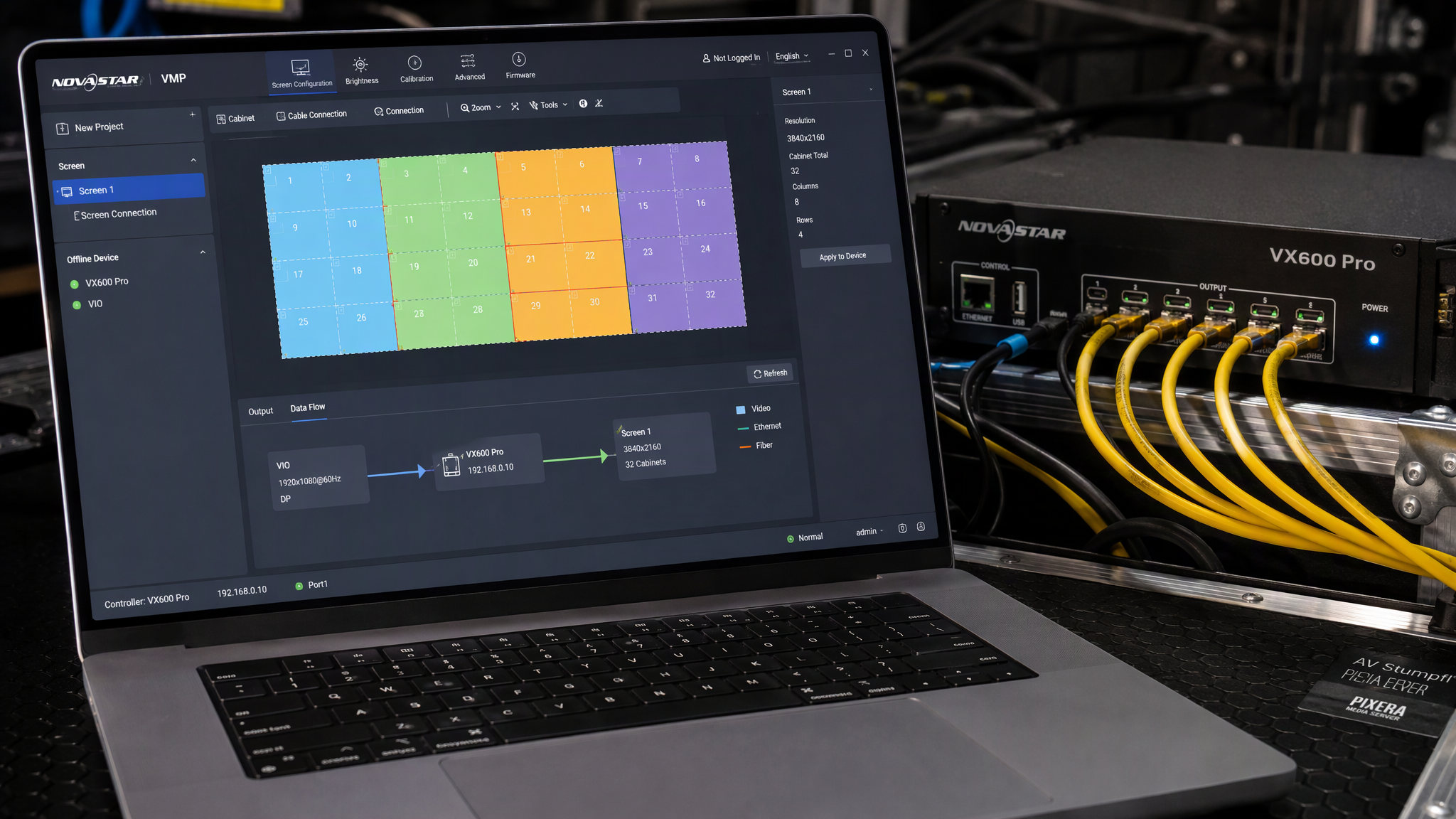
NovaStar Taurus Architecture & Cloud Ecosystem
┌────────────────────────────────────────────────────────────────────────┐
│ 1. Local Async Playback: Quad-Core SoC + Hardware 1080p/4K Decoding │
├────────────────────────────────────────────────────────────────────────┤
│ 2. Direct Display Drive: Integrated Gigabit Sending Ports (RJ45) │
├────────────────────────────────────────────────────────────────────────┤
│ 3. Tri-Mode Network: Gigabit LAN + Dual-Band Wi-Fi (AP/Sta) + 4G LTE │
├────────────────────────────────────────────────────────────────────────┤
│ 4. Cloud Cluster Management: VNNOX Remote Publishing & Health Telemetry│
├────────────────────────────────────────────────────────────────────────┤
│ 5. Automated Scheduling: Light Sensor Auto-Dimming & Timed Power Relay │
└────────────────────────────────────────────────────────────────────────┘
```
---

1. Complete Technical Specifications: TB10 Plus vs. TB20 Plus
Technical Parameter | NovaStar TB10 Plus | NovaStar TB20 Plus | Engineering Significance |
Max Loading Capacity | $650,000text{ Pixels}$ | $1,300,000text{ Pixels}$ | TB20 Plus drives 2x the canvas area |
Gigabit Output Ports | $1timestext{ RJ45}$ | $2timestext{ RJ45}$ (Primary + Backup / Span) | TB20 Plus supports dual lines or loop redundancy |
Max Canvas Dimensions | Width: $4096text{ px}$; Height: $4096text{ px}$ | Width: $4096text{ px}$; Height: $4096text{ px}$ | Flexible ultra-wide or ultra-tall banners |
Processor & Memory | Quad-core ARM Cortex @ 1.5GHz, 2GB RAM | Quad-core ARM Cortex @ 1.5GHz, 2GB RAM | Smooth multi-layer video & graphic rendering |
Internal Flash Storage | $16text{ GB}$ ($12text{ GB}$ available for media) | $16text{ GB}$ ($12text{ GB}$ available for media) | Onboard offline playlist loop caching |
Video Decoding Engine | 1080p@60Hz (H.264, H.265, MPEG-4) | 1080p@60Hz / 4K playback support | Hardware video acceleration |
Network Connectivity | Gigabit LAN + Wi-Fi (AP+Sta) + 4G (Optional) | Gigabit LAN + Wi-Fi (AP+Sta) + 4G (Optional) | Tri-mode remote cloud management |
Sensor & Control Ports | Light sensor (Mini-USB), Relay output | Light sensor (Mini-USB), Relay output | Ambient light auto-dimming & power control |
Operating Temperature | $-20^circtext{C to }+60^circtext{C}$ ($10%text{--}90%text{ RH}$) | $-20^circtext{C to }+60^circtext{C}$ ($10%text{--}90%text{ RH}$) | Rugged fanless outdoor enclosure |
Typical 2026 Price | $$160 - $220text{ USD}$ | $$260 - $340text{ USD}$ | Cost-effective DOOH deployment |
---
2. Step-by-Step Setup & Commissioning Workflow
```
Commissioning Pipeline
Hardware Cabling ───> NovaLCT Screen Config ───> ViPlex Local Test ───> VNNOX Cloud Bind
```
1. Hardware Interconnect & Power-On:
· Connect the 100–240V AC power cable. Attach the omnidirectional Wi-Fi and 4G antennas.
· Route an Ethernet patch cable from Ethernet Out (Port 1) directly to the first LED cabinet's receiving card (e.g., NovaStar A5s Plus). Connect the LAN port to the local network router or 4G modem.
2. NovaLCT Screen Mapping:
· Connect your laptop to the player's built-in Wi-Fi AP (`AP+Last 8 digits of SN`, default password: `12345678`).
· Launch NovaLCT (User: `admin`, Password: `admin`), navigate to Screen Configuration, load the matching cabinet `.rcfgx` file, define the column/row mapping grid, and click Save to Hardware.
3. Local Testing via ViPlex Handy / Express:
· Use ViPlex Handy (iOS/Android) or ViPlex Express (PC) to connect locally, create a multi-window test page (video, clock, weather widget), and publish immediately to verify smooth playback.
4. VNNOX Cloud Remote Publishing:
· In NovaLCT / ViPlex, enter your registered VNNOX organization domain and player authentication code.
· Log into the cloud portal (`vnnox.com`) to manage schedules, publish dynamic content playlists over 4G/cloud, and monitor real-time hardware telemetry across thousands of remote displays.
---
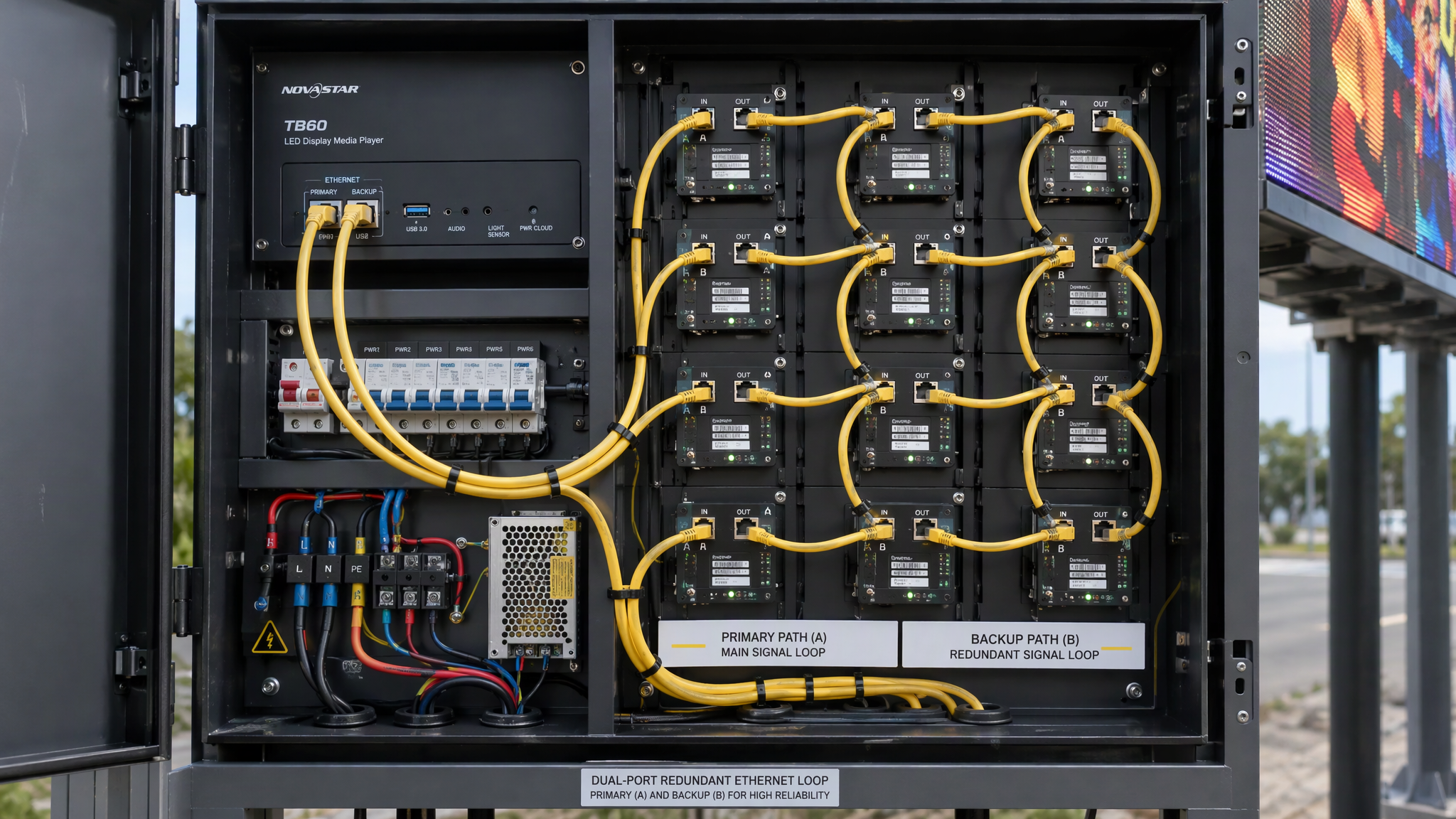
3. Key Distinctions: When to Choose TB10 Plus vs. TB20 Plus
```
Screen Pixel Load <= 650,000 px & Single Port ──────> Choose NovaStar TB10 Plus
Screen Pixel Load > 650,000 px OR Dual Redundancy ──> Choose NovaStar TB20 Plus
```
· Choose the TB10 Plus for single-face retail digital posters (e.g., $192times 384text{ px}$ or $256times 512text{ px}$), smart city light pole banners, and small storefront window displays where the total resolution stays comfortably below $650text{K pixels}$ and a single data cable suffices.
· Choose the TB20 Plus for medium-scale outdoor DOOH billboards (e.g., $960times 576text{ px} = 552text{K px}$ with dual Ethernet redundancy, or up to $1,300text{K px}$ split across two ports), corporate video walls, and high-reliability commercial advertising networks requiring automatic loopback backup.
---
4. Five Golden Rules for Taurus Player Deployment
5. Keep Loading Capacity Under 85% of Rated Limit. For a TB10 Plus ($650text{K max}$), design display canvases below $550,000text{ pixels}$ to maintain headroom for smooth 60fps video decoding and multi-widget rendering.
6. Always Configure Hardware Light Sensors. Install a NovaStar light probe to enable dynamic 256-level auto-dimming, preventing nighttime light pollution citations and cutting energy costs by up to 30%.
7. Enforce Static IP or 4G APN Locking. Avoid dynamic IP reallocations by binding static IP addresses or configuring locked cellular APNs for unattended roadside billboards.
8. Schedule Automated Weekly Reboot Tasks. Use VNNOX to schedule a 3:00 AM weekly automated player reboot to clear memory cache and maintain long-term stability.
9. Utilize TB20 Plus Port 2 for Redundant Loopback. On critical commercial advertising screens, loop Port 2 back to the last cabinet in the cascade to ensure seamless failover if Port 1 cable is damaged.
---

Frequently Asked Questions
Can the NovaStar TB10 Plus or TB20 Plus play live HDMI video from a PC?
The standard TB10 Plus and TB20 Plus are dedicated asynchronous players (playing stored files from internal flash memory). For live synchronous HDMI pass-through, select the NovaStar TB40, TB50, or TB60, which feature hardware HDMI input ports.
What is the difference between ViPlex and VNNOX?
ViPlex Express/Handy is a local software tool for direct Wi-Fi/LAN configuration and point-to-point playlist publishing. VNNOX is a centralized cloud management platform for remotely scheduling, monitoring, and updating thousands of screens over the internet.
Can the TB10 Plus operate completely offline without internet?
Yes. You can upload video playlists directly via USB drive plug-and-play or through local Wi-Fi direct connection without requiring an active internet connection.
How many receiving cards can a single TB10 Plus port drive?
A single Gigabit port can cascade dozens of receiving cards (e.g., 30–50 modules), provided the total aggregated resolution does not exceed $650,000text{ pixels}$ at 60Hz.
---
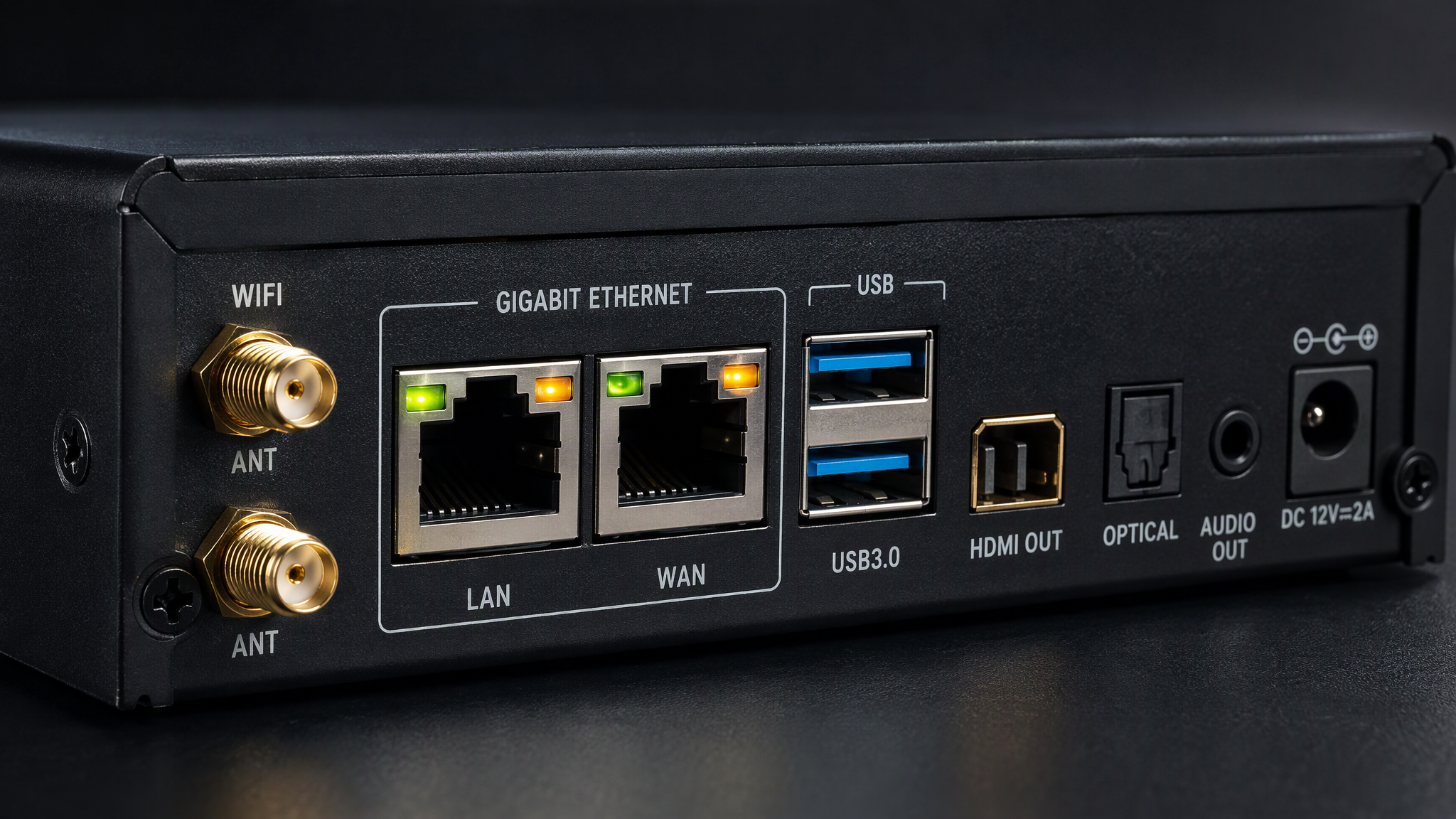
Final Thoughts
The NovaStar TB10 Plus and TB20 Plus provide robust, cost-effective, and maintenance-free control for modern standalone and networked LED displays. Matching the screen's pixel resolution and redundancy needs to the appropriate Taurus player ensures flawless playback, effortless cloud management, and long-term operating reliability.


