
NovaStar VX400 vs VX400 Pro: Key Differences
Executive Summary: The NovaStar VX400 and NovaStar VX400 Pro represent compact 1U all-in-one LED display video controllers designed for mid-sized commercial video walls, corporate meeting rooms, live staging rentals, and educational halls. Both units integrate professional video scaling, input switching, and 4-port Gigabit Ethernet sending functions into a single hardware enclosure, driving up to 2.6 million pixels at 60Hz. The enhanced VX400 Pro distinguishes itself through an upgraded FPGA processing pipeline supporting up to 3 video layers (1 main layer plus 2 PIPs), sub-frame ultra-low latency, expanded EDID timing flexibility, and 16 user presets, compared to 2 layers and 10 presets on the standard VX400. Commercially, the VX400 lists between 750 and 1,100 USD, while the VX400 Pro lists between 1,150 and 1,550 USD. This streamlined guide evaluates hardware specifications, cabling topologies, setup workflows, and buying recommendations. |
1. Product Positioning and Architectural Evolution
Commercial audiovisual installations require streamlined hardware capable of ingesting diverse video sources, performing real-time scaling, and driving LED display panels without requiring separate processor and sending boxes. The NovaStar VX400 series fulfills this demand through an all-in-one architecture.
Key comparative and architectural highlights include:
• Shared 4-Port 2.6M Pixel Loading Capacity: Both processors feature 4 Gigabit RJ45 Ethernet output ports, loading up to 2.6 million pixels with maximum dimensions up to 3,840 or 4,096 pixels width and height.
• Multi-Layer Processing Advancement: The standard VX400 supports 2 video layers (1 main plus 1 PIP), while the VX400 Pro expands processing to 3 video layers (1 main plus 2 PIPs) with independent scaling.
• Integrated 10G Optical Fiber Connectivity: Both units feature 1 10G optical SFP output port (OPT1) to transmit high-bandwidth uncompressed video signals up to 10 kilometers to stage-side fiber converters.
• Standalone Front-Panel LCD Navigation: The front panel LCD display screen and rotary navigation knob allow full standalone menu operation and preset switching without requiring a control computer on site.
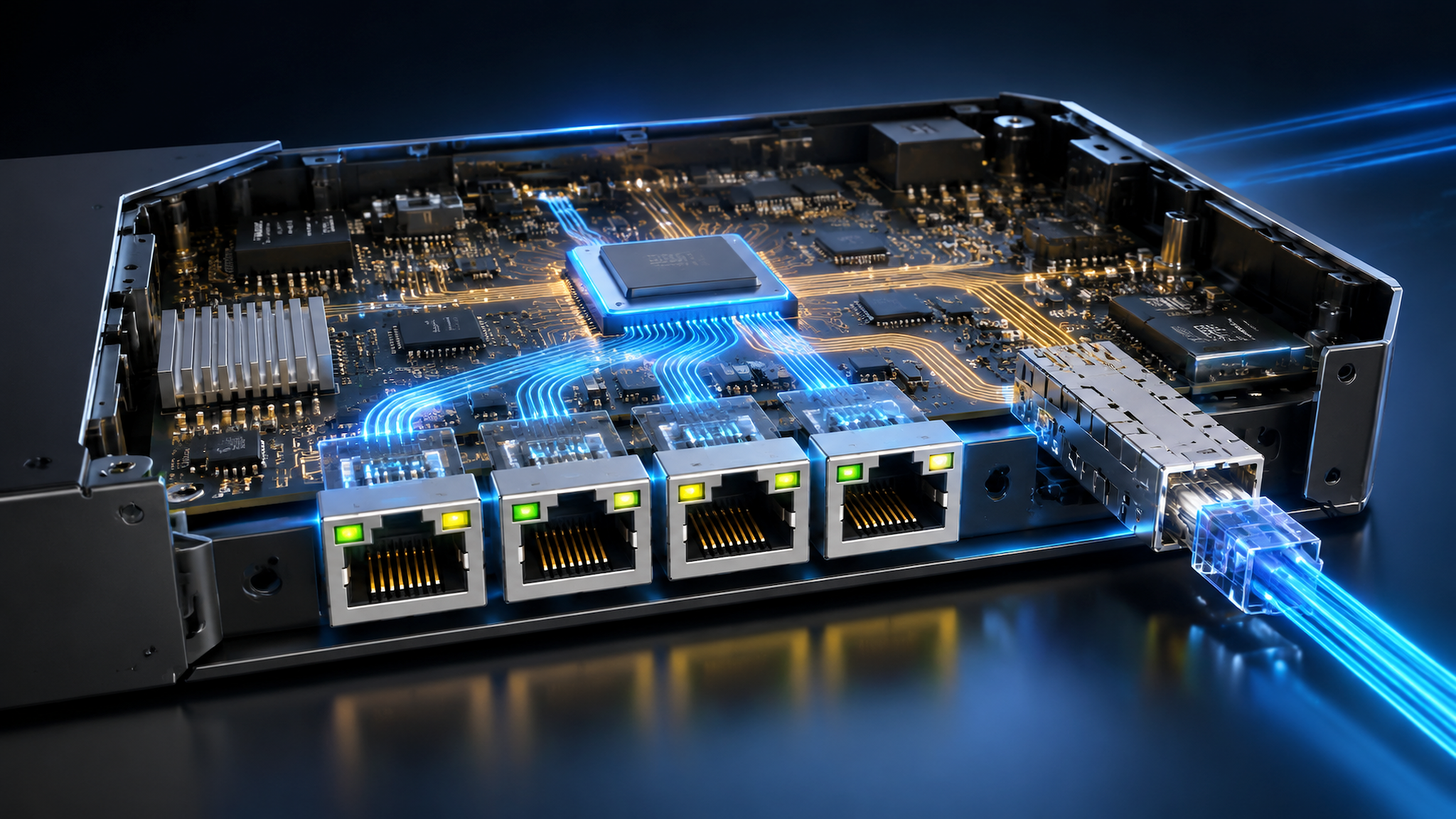
2. Core Technical Parameters and Comparative Hardware Matrix
The following master table provides an itemized technical comparison between the NovaStar VX400 and NovaStar VX400 Pro based on verified manufacturer engineering datasheets.
Technical Dimension | NovaStar VX400 (Standard) | NovaStar VX400 Pro (Enhanced) |
Total Pixel Loading Capacity | Up to 2.6 Million Pixels at 60Hz | Up to 2.6 Million Pixels at 60Hz |
Maximum Output Dimensions | Width up to 3,840 pixels, Height up to 3,840 pixels | Width up to 4,096 pixels, Height up to 4,096 pixels |
Ethernet Output Ports | 4x Gigabit RJ45 Ethernet Sending Ports | 4x Gigabit RJ45 Ethernet Sending Ports |
Optical Fiber Output Ports | 1x 10G Optical SFP Output Port (OPT1) | 1x 10G Optical SFP Output Port (OPT1) |
Video Input Interfaces | 2x HDMI 1.3, 1x DVI with loop, 1x 3G-SDI with loop, 1x Optical IN | 1x Enhanced HDMI, 1x DVI with loop, 1x 3G-SDI with loop, 1x Optical IN |
Simultaneous Video Layers | Up to 2 Layers (1 Main Layer plus 1 PIP Layer) | Up to 3 Layers (1 Main Layer plus 2 PIP Layers) |
User Preset Memory Banks | Up to 10 User Preset Scenes | Up to 16 User Preset Scenes |
Processing Latency Mode | Standard Processing Latency | Sub-Frame Low-Latency Bypass Mode (Under 1 ms) |
Color Processing and Curves | Standard 8-Bit RGB Color Processing | Enhanced 8-Bit and 10-Bit Color Curves and 3D LUT Support |
Audio Ingest and Output | 1x 3.5 mm Audio In, 1x 3.5 mm Audio Out, HDMI De-Embed | 1x 3.5 mm Audio In, 1x 3.5 mm Audio Out, HDMI De-Embed |
Power Supply and Draw | 100V to 240V AC, 50 to 60 Hz (Max 28 Watts) | 100V to 240V AC, 50 to 60 Hz (Max 35 Watts) |
Chassis Form Factor and Weight | 1U Metal Enclosure (483.6 mm by 351.2 mm by 44.7 mm, 4.0 kg) | 1U Metal Enclosure (483.6 mm by 351.2 mm by 44.7 mm, 4.0 kg) |
Typical Commercial Price Range | 750 to 1,100 USD (Estimated Range) | 1,150 to 1,550 USD (Estimated Range) |
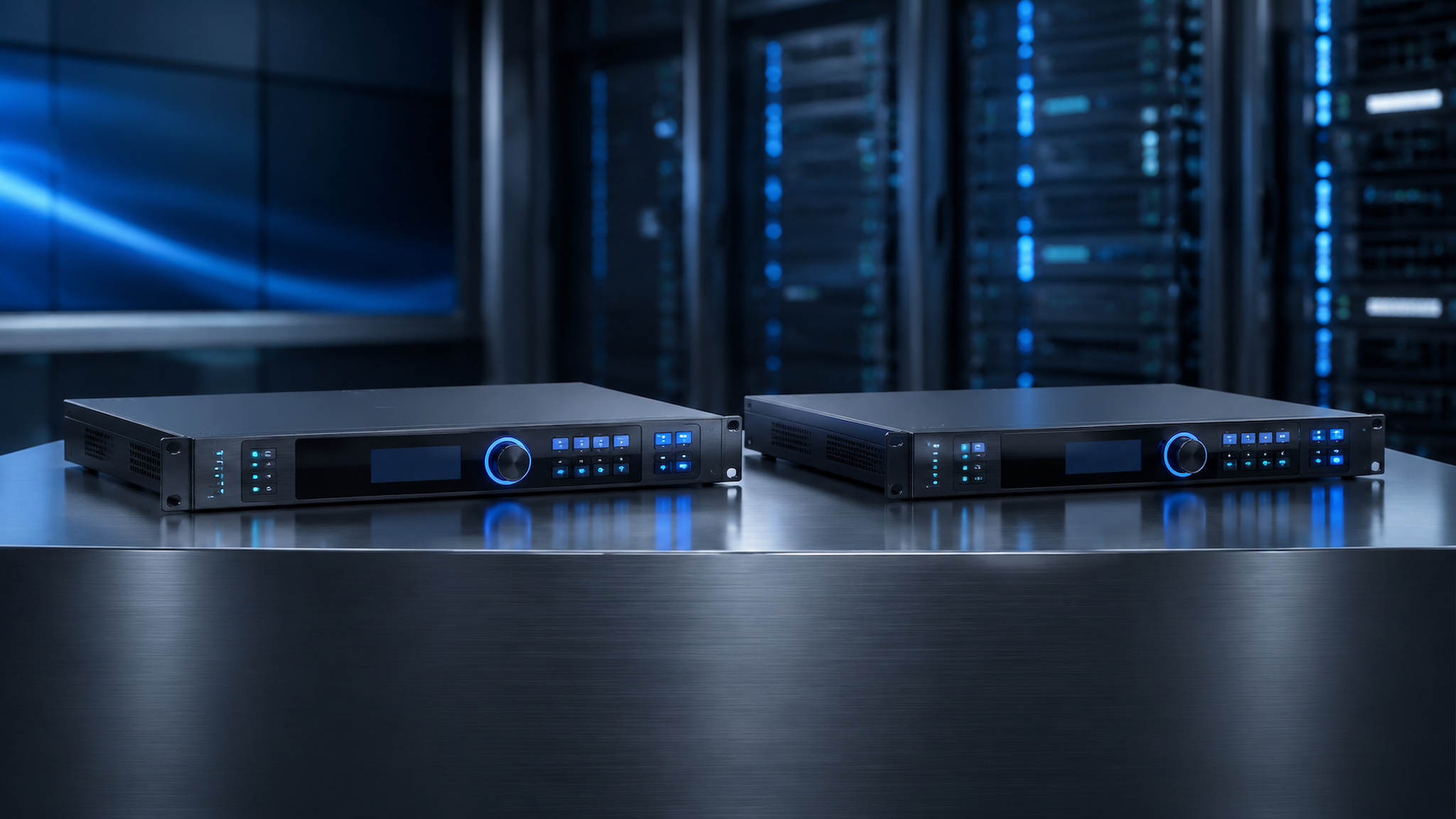
3. Hardware Interface Layout and Physical Cabling Topologies
The rear panel of both processors provides structured signal ingestion, transmission, and control connectivity:
A. Video Signal Ingestion: Digital inputs include HDMI, DVI with active loop-through, and 3G-SDI with active loop-through for broadcast camera daisy-chaining.
B. Ethernet and Optical Outputs: Four Gigabit RJ45 ports output video data directly to LED cabinet receiving cards, while OPT1 provides 10Gbps optical fiber transmission for remote stage deployments.
C. Audio and Control Interfaces: Dual USB ports enable master computer control and cascading, alongside 3.5 mm analog audio input and de-embedded audio line output.
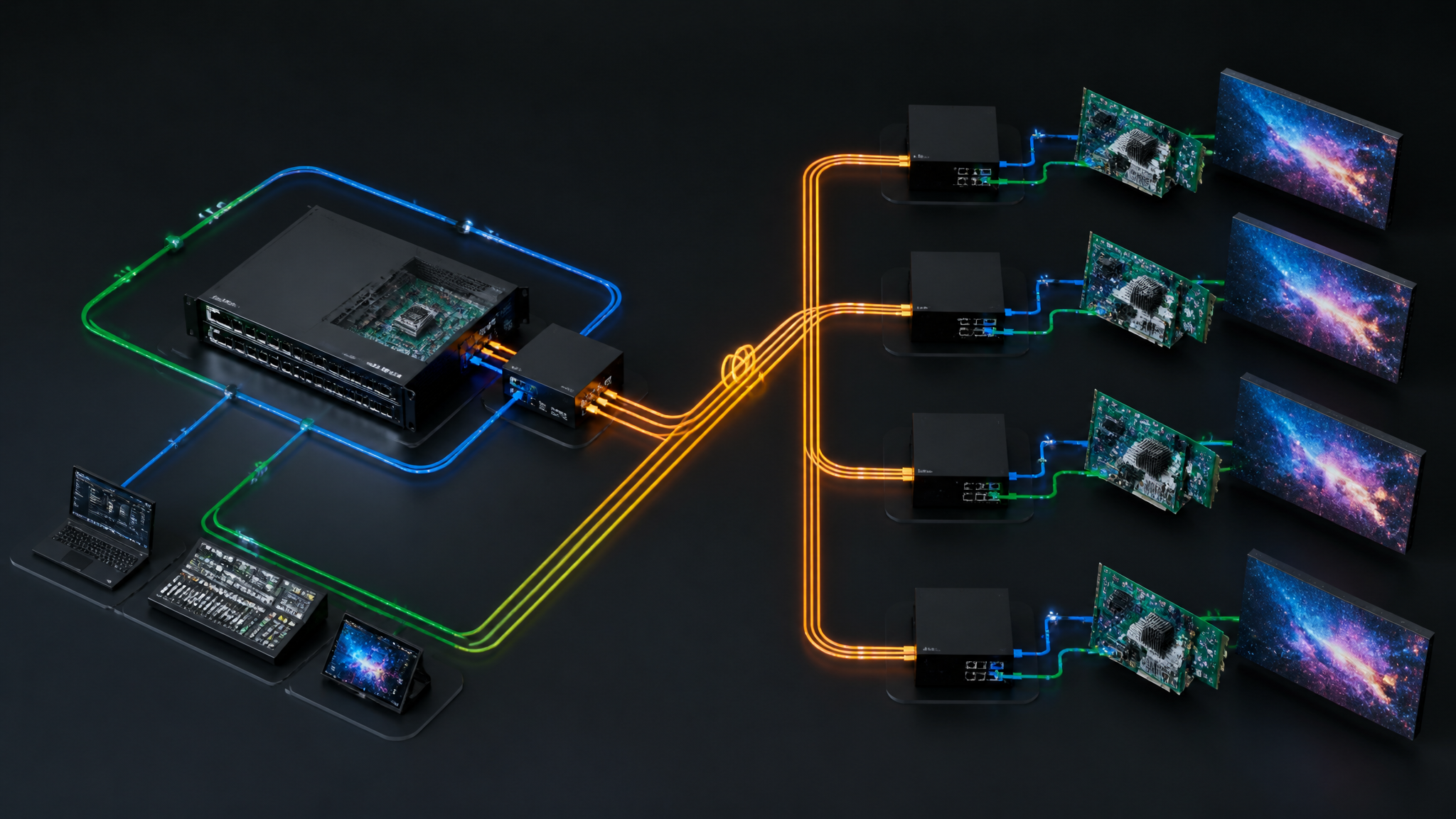
4. Software Ecosystem, NovaLCT Setup, and Commissioning Workflow
Commissioning either processor follows a structured engineering workflow:
Step 1: Physical Mounting and Cabling — Mount the 1U chassis in an AV rack, connect AC power, attach video sources, and route Cat6 cables from Ethernet Ports 1 to 4 to the display cabinets.
Step 2: Input EDID Configuration — Connect a PC via USB or Ethernet, launch NovaLCT or SmartLCT, access Input Settings, and customize input EDID timings (such as 1920 by 1080 at 60Hz).
Step 3: Canvas and Cabinet Mapping — Open Screen Configuration, set cabinet row and column arrays, assign Ethernet ports to specific pixel coordinates, and click Send to Hardware to burn RCFGX parameters.
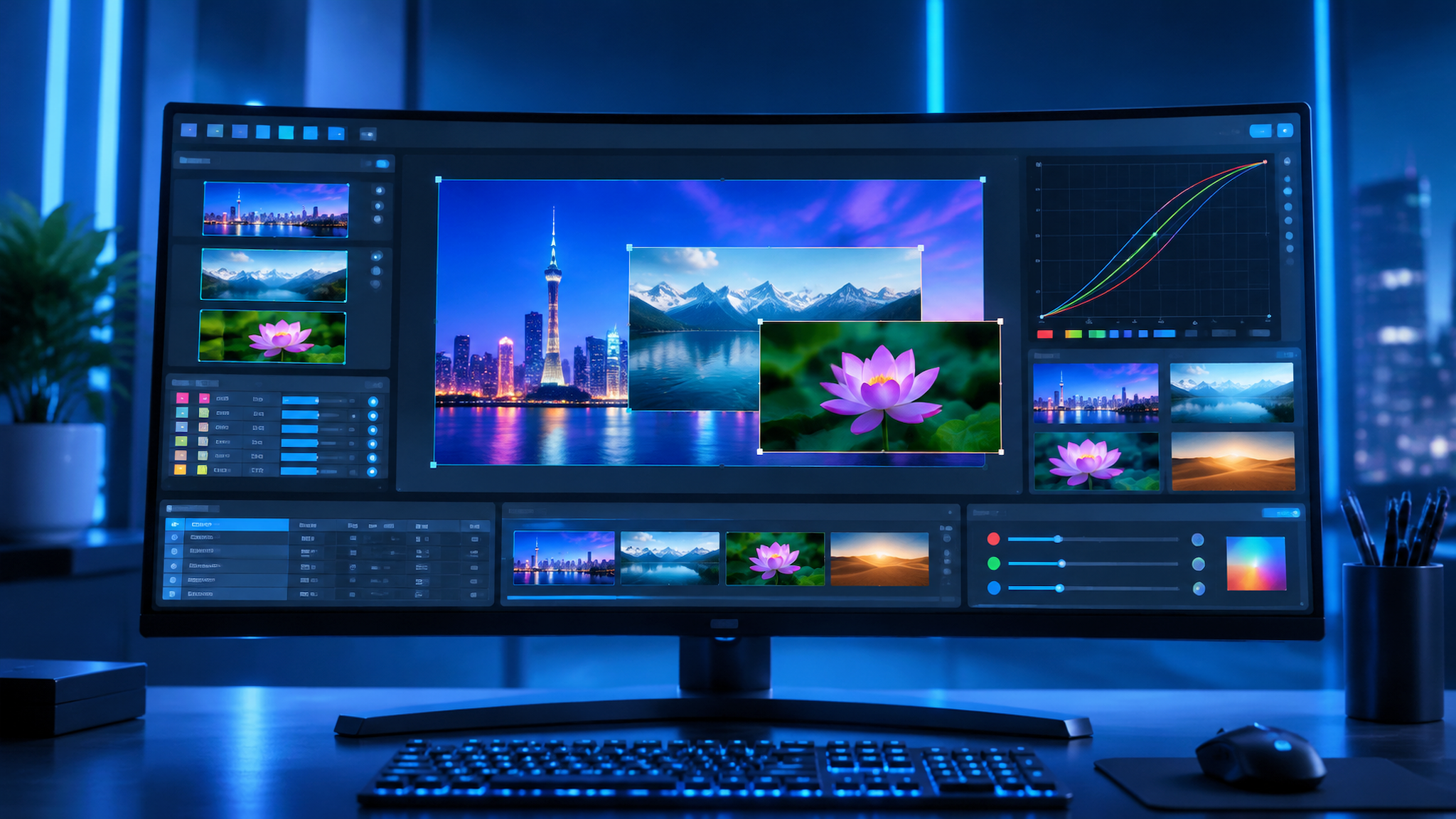
Step 4: Layer Staging and Preset Saving — Configure main and PIP video layers, adjust window scale and position coordinates, and save layout templates into user preset banks.
Step 5: Loop Redundancy Verification — Connect the secondary backup Ethernet port loop to verify automatic microsecond failover protection.

5. Multi-Scenario Engineering Application Analysis
The VX400 and VX400 Pro cater to distinct operational requirements across commercial environments:
Scenario 1: Corporate Executive Boardrooms (VX400 Pro Recommended) — The VX400 Pro excels in corporate boardrooms requiring dual PIP windows for video conferencing and concurrent slide presentation.
Scenario 2: Touring Event Staging and Rental Backdrops (VX400 Recommended) — The standard VX400 delivers a reliable, cost-effective solution for standard rental backdrops and live music performances.
Scenario 3: Commercial Retail and Showroom Display Walls — Both processors provide standalone 24-hour continuous playback for flagship retail and lobby display walls.
6. NovaStar VX Series Family Comparison Matrix
The following matrix benchmarks the VX400 and VX400 Pro against sibling models across the NovaStar VX all-in-one product line.
Technical Dimension | NovaStar VX400 | NovaStar VX400 Pro | NovaStar VX600 | NovaStar VX1000 | NovaStar VX16s |
Total Pixel Loading | Up to 2.6 Million Pixels | Up to 2.6 Million Pixels | Up to 3.9 Million Pixels | Up to 6.5 Million Pixels | Up to 10.4 Million Pixels |
Ethernet Output Ports | 4x Gigabit RJ45 Ports | 4x Gigabit RJ45 Ports | 6x Gigabit RJ45 Ports | 10x Gigabit RJ45 Ports | 16x Gigabit RJ45 Ports |
Optical Fiber Ports | 1x 10G SFP Output Port | 1x 10G SFP Output Port | 1x 10G SFP Output Port | 2x 10G SFP Output Ports | 4x 10G SFP Output Ports |
Simultaneous Layers | Up to 2 Video Layers | Up to 3 Video Layers | Up to 3 Video Layers | Up to 3 Video Layers | Up to 3 4K Video Layers |
Low-Latency Mode | Standard Processing | Sub-Frame Low Latency | Low Latency Supported | Low Latency Supported | Low Latency Supported |
Estimated Price Range | 750 to 1,100 USD | 1,150 to 1,550 USD | 1,450 to 1,950 USD | 2,200 to 2,900 USD | 3,800 to 4,800 USD |
Target Application | Rental Stages, Retail | Boardrooms, Live Events | Auditoriums, Live Staging | Large Arenas, Studios | Mega Staging, 4K Walls |
7. Frequently Asked Questions (FAQ) and Buying Guidelines
Commercial Price Guidance: The standard NovaStar VX400 lists between 750 and 1,100 USD, while the enhanced VX400 Pro lists between 1,150 and 1,550 USD across authorized distributors. Prices represent estimated reference ranges and vary based on regional tariffs, warranty tiers, and bundled flight cases.
Q1: Choosing Between VX400 and VX400 Pro — Question 1: When should buyers upgrade from the VX400 to the VX400 Pro?
Answer: Upgrade to the VX400 Pro if your project requires three concurrent video layers (such as dual PIPs for video conferencing), sub-frame low-latency gaming or live camera tracking, or more than 10 scene presets.
Q2: Optical SFP Port Utilization — Question 2: How is the 10G optical SFP port utilized on both units?
Answer: The OPT1 port copies the complete 4-port Ethernet data stream into an optical signal, transmitting uncompressed data over single-mode fiber up to 10 km to a NovaStar CVT10 converter without signal degradation.
Q3: Wide Canvas Resolution Support — Question 3: Can the VX400 or VX400 Pro drive a display wider than 1920 pixels?
Answer: Yes. Within the total 2.6 million pixel budget, the output canvas can be mapped up to 3,840 pixels width (or 4,096 pixels on the Pro), making it ideal for ultra-wide panoramic conference screens.
Q4: Standalone Live Operation — Question 4: Does either unit require a computer connected during live operation?
Answer: No. Once RCFGX cabinet parameters and presets are saved to internal non-volatile memory, both processors operate entirely standalone using the front panel LCD and rotary knob.
Procurement Inspection Checklist: Verify authorized NovaStar distributor serial numbers, test all 4 Ethernet output ports under full 2.6M pixel load, confirm seamless preset switching, and validate loop redundancy prior to final project handover.